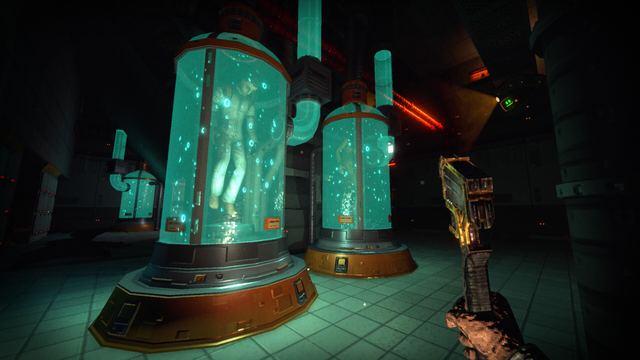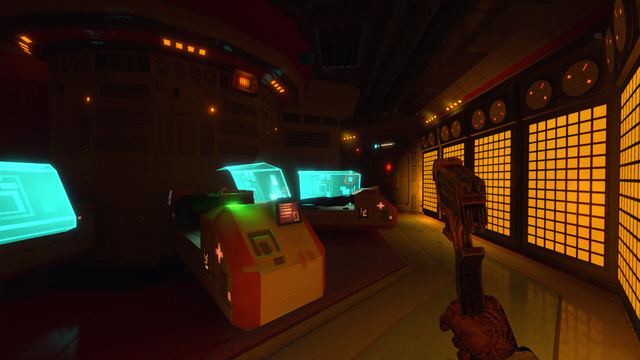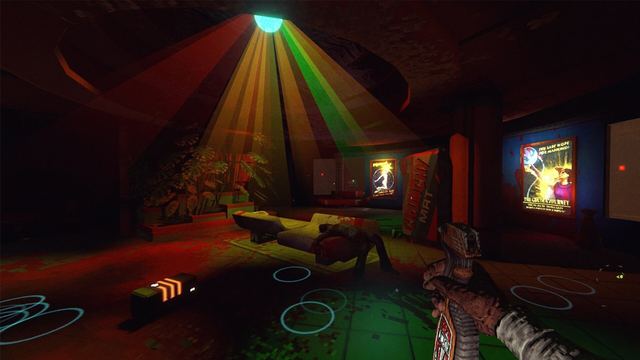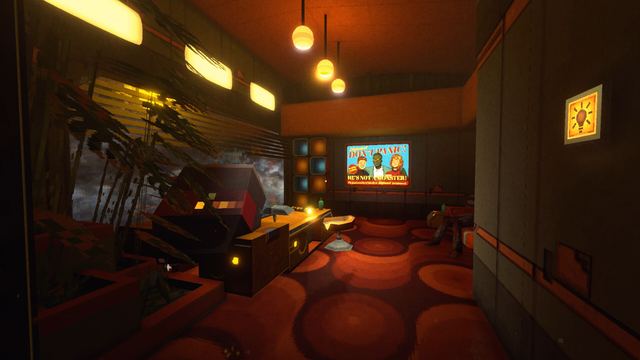
Beginner guide
Learn the PDA and inventory first, scout every room before fighting in it, push for shortcuts instead of loot, and treat security systems as future allies.
Your first hours on Aurora 5 go wrong for the same reasons every time: the janitor fights something it has not read yet, hacks a terminal it has not scouted, or dies somewhere it cannot walk back to. This page is the order of operations that avoids those three mistakes.
The short version
- Learn the PDA and the inventory before you learn the station.
- Fight nothing in a room you have not already crossed once with your eyes.
- Push for shortcuts, not for loot.
- Treat every security system as a future ally, not as an obstacle to shoot.
Opening moves
The wrench is your baseline tool, not a last resort. The demo's second major update specifically buffed it — more range, more damage, and a new charged attack — which tells you the intended early game is melee-first, with guns saved for problems that cannot be walked around.
Keep the PDA open habit while crouching: the demo patch notes mention that using the PDA and the inventory while crouched was a fix, which means both were expected behaviour, not an exploit.
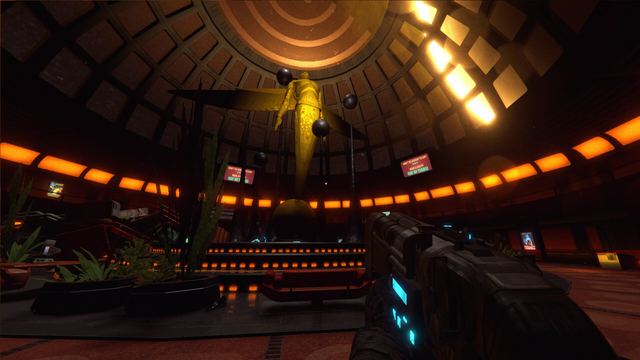
Do this first: map the hub. The station has a mostly peaceful central area that everything connects back to, and knowing your way home is worth more than any pickup in the first sector.
Reading enemies instead of memorising numbers
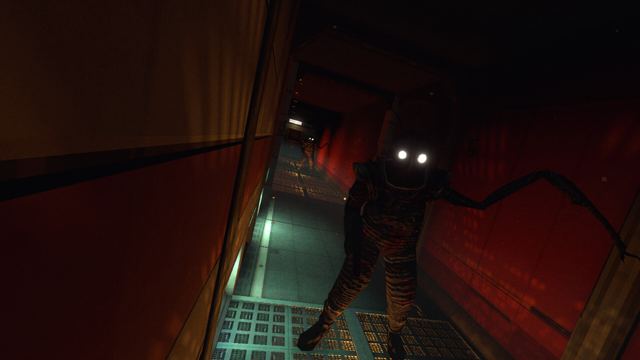
Enemies in RetroSpace are all different from each other. The official material is explicit that learning behaviour, abilities and weaknesses is the key to survival — not finding a damage rotation.
- Watch a new enemy from cover for one full patrol cycle before engaging.
- Note what it reacts to: sound, light, line of sight, or the station's own security.
- If the fight is going badly, the room is usually the problem, not your aim. Environmental hazards exist for this reason.
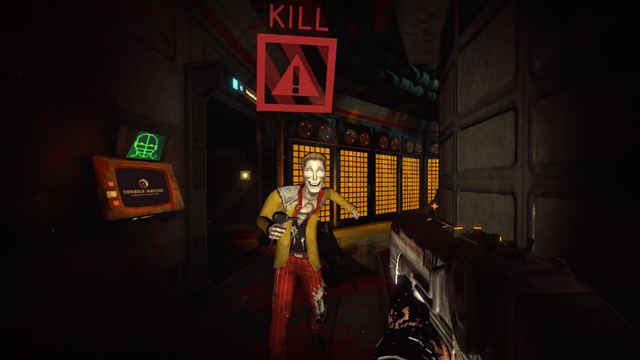
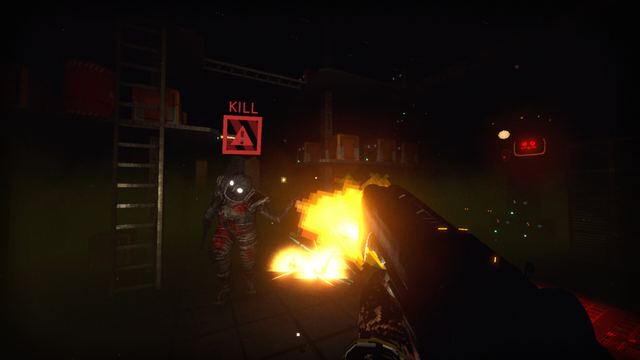
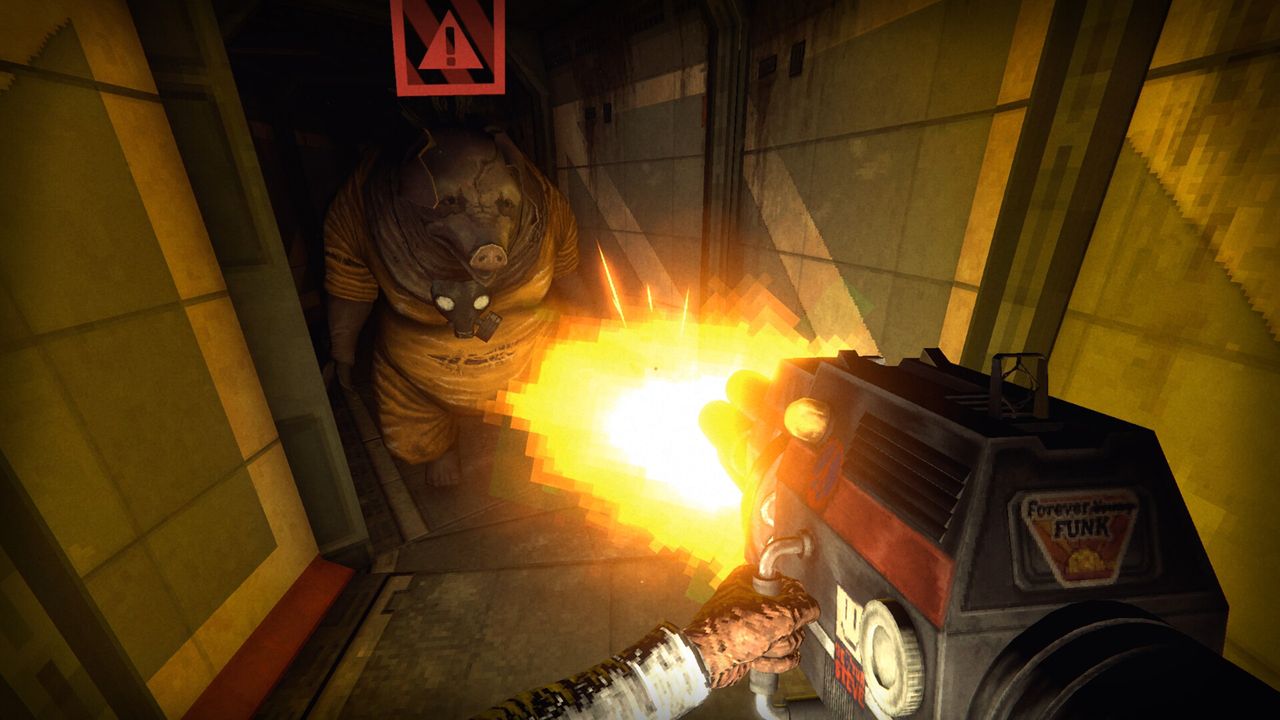
The game ships an on-screen enemy state indicator, and the demo's second update added a menu toggle for it. If the indicator is distracting you, turn it off; if you cannot read enemy states yet, leave it on.
Stealth as the default, action as the choice
RetroSpace allows total avoidance to be as legitimate as a diversion, a trap, or a straight fight. Practically, that means:
- Light and shadow are tools. Use them deliberately instead of walking the middle of the corridor.
- Sound is a resource. Throwing something is often cheaper than firing something.
- Diversions beat duels. Lure an enemy into a hazard and it is dead without you spending a single round.
- Hack first, shoot second. Security stations and turrets can be turned against whoever is chasing you.
Money and loot discipline
Cloning is imperfect. When you die, your gear stays with your previous body, and there is a real trip back to it if you want your equipment. Two habits follow from that:
- Do not carry everything you own into an unexplored sector.
- Bank progress — saves, shortcuts, terminals unlocked — instead of hoarding value in your hands.
The demo's first major update changed the death and rebirth system so that on the demo's medium difficulty level you no longer lose inventory items on death. That is the demo's difficulty setting, not a promise about the launch build, so keep the discipline anyway.
What to check before launch day
- Play the demo's current build at least once end to end.
- Get comfortable with the resource loop behind cloning, since the retail game will not restart it for you.
- Decide your Mutamod™ preference now — see Mutamods explained for why that choice is hard to reverse.
Still unconfirmed
- Difficulty options in the retail build and what each one changes about item loss.
- Exact tutorial beats: the demo drops you in faster than most immersive sims, and the full game may pace the opening differently.
- Whether the launch build changes enemy density in the first sector.