Mutamods explained
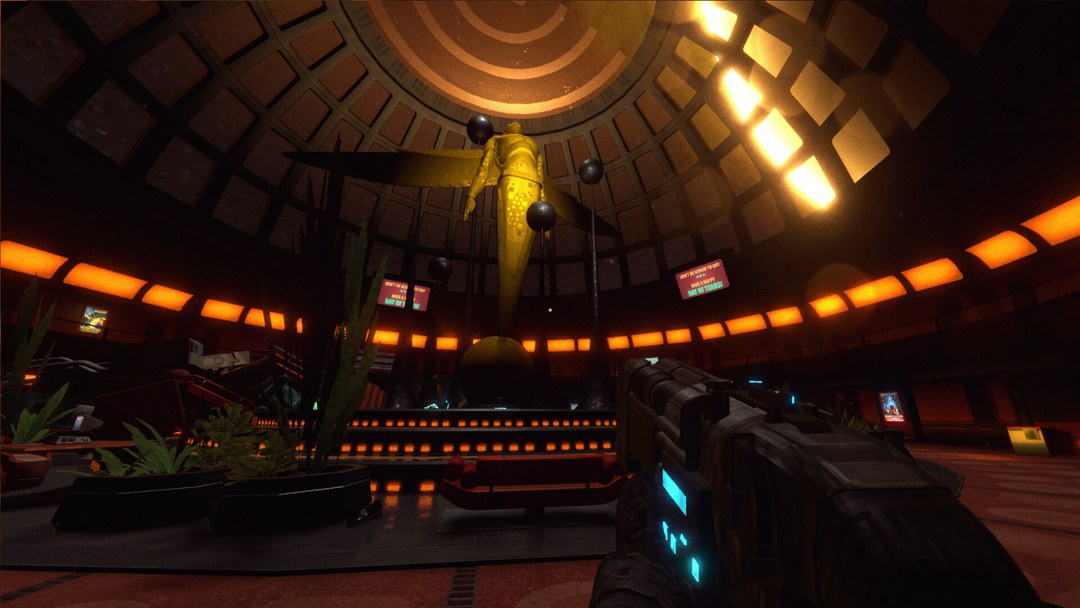
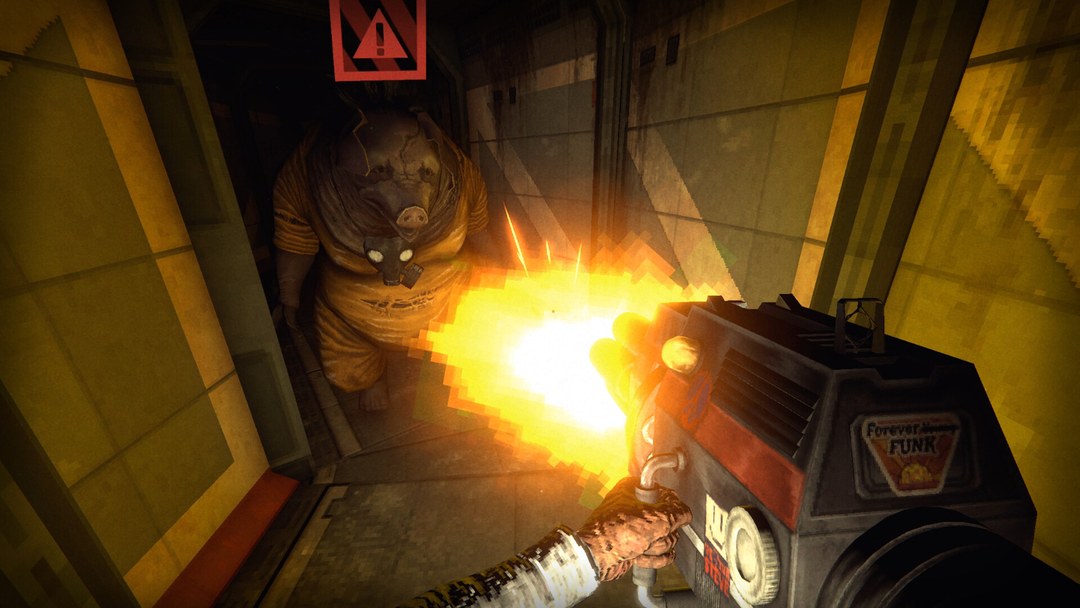
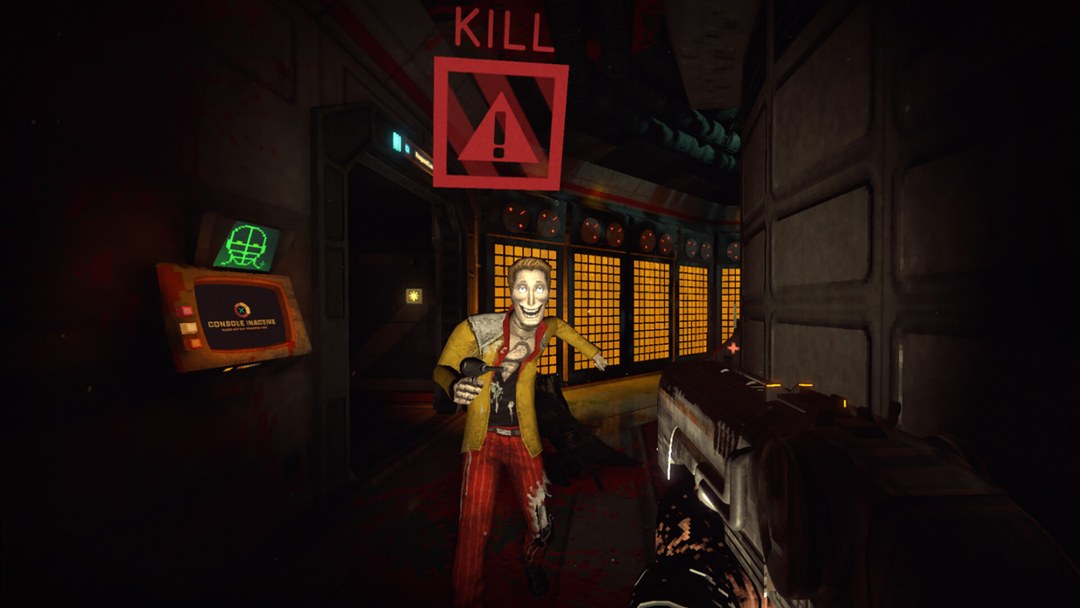
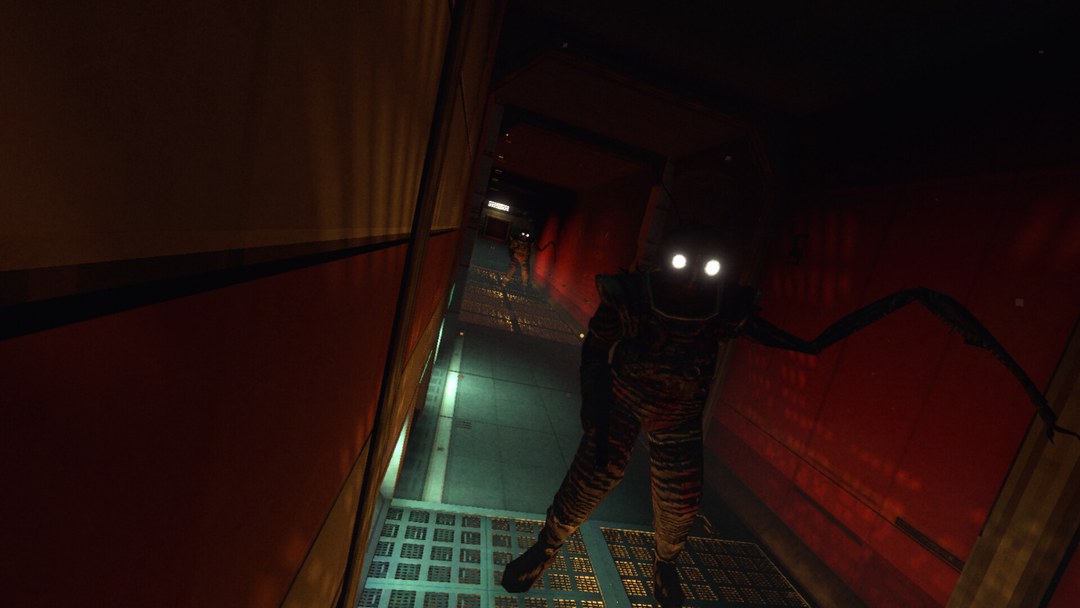
Mutamods are body mutations that upgrade stealth, combat, exploration or mobility, and each one carries a side effect the developer calls unexpected and irreversible.
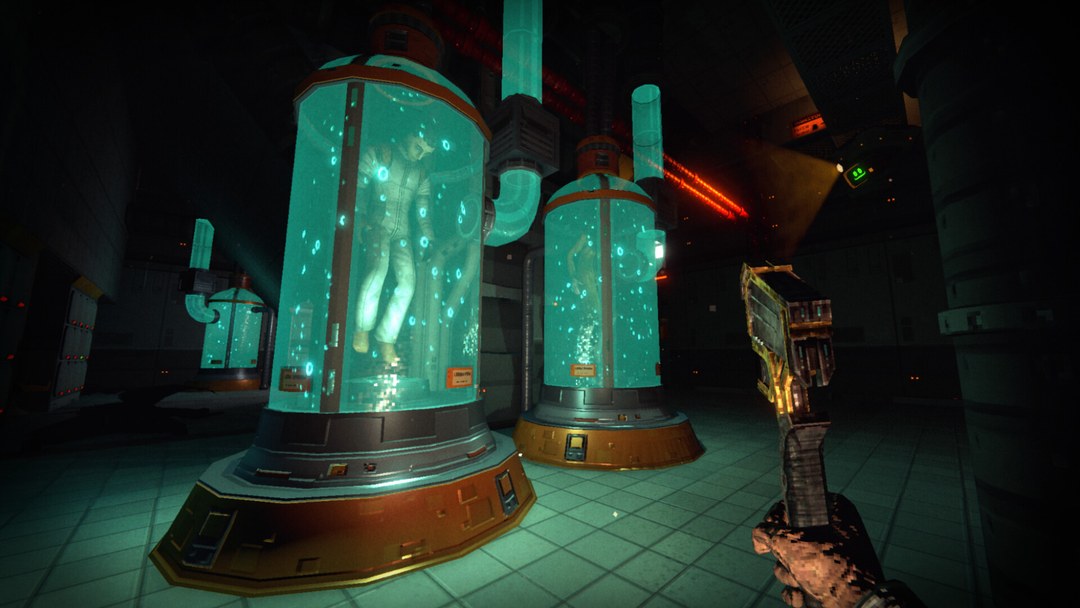
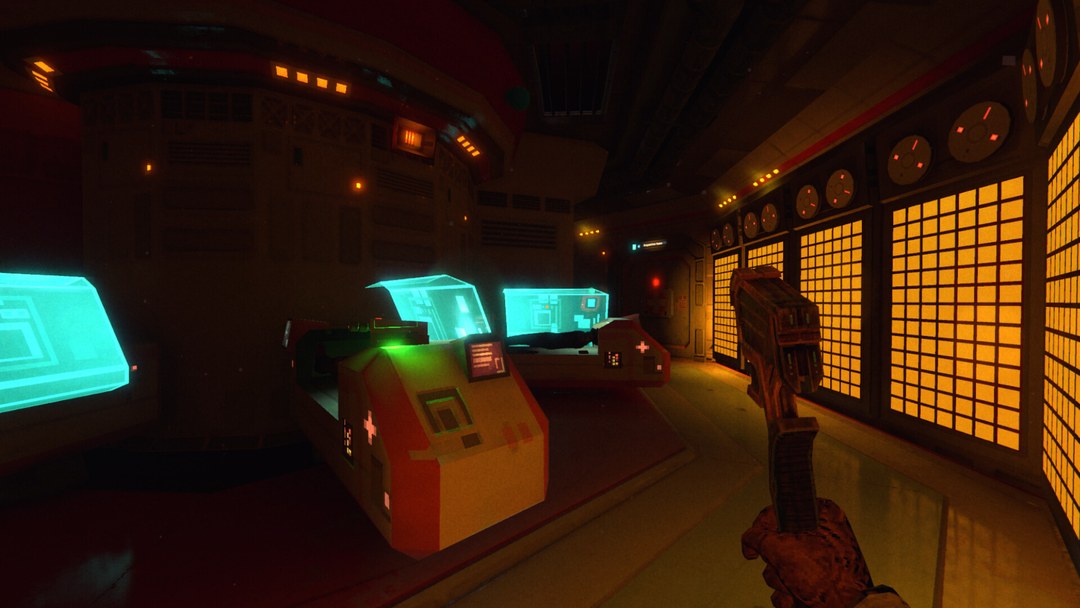
Mutamods™ are RetroSpace's power system, and they are the closest thing the game has to a class choice. A Mutamod™ mutates your body to upgrade one part of how you play — stealth, combat, exploration or mobility — and it comes with a side effect the developer describes as unexpected and irreversible.
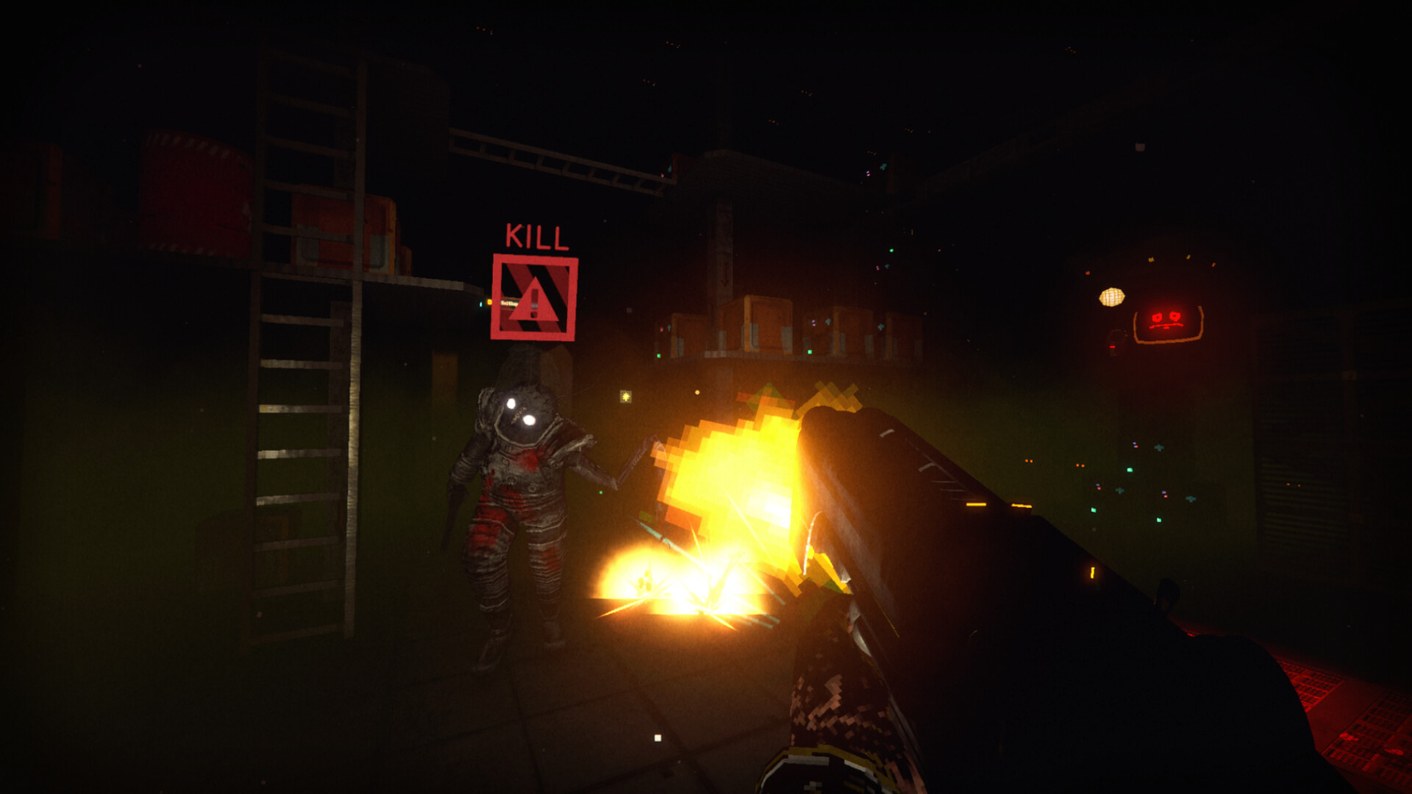
That trade is the design. There is no free upgrade, and there is no documented way to undo a bad one.
What the official material confirms
- Mutamods™ enhance stealth, combat, exploration and mobility.
- The theme is body horror as a tool: the official site's own example is "want to become a tentacle-armed, mind-controlling, shadow-lurking mutant? Be our guest."
- Side effects are explicitly flagged as potentially unexpected and irreversible.
- Mutations are also described as the thing that gives an otherwise grounded stealth-shooter its superpower layer — the developer calls them "juicy superpowers" with great responsibility attached.
How to think about picking one
| If you play | You want the Mutamod™ that | Watch out for |
|---|---|---|
| Patient, route-first | Extends stealth or mobility: more ways past a room without a fight | Stealth upgrades that change how enemies perceive you can also make old routes behave differently |
| Aggressive, room-clearing | Adds combat power, area effects or crowd handling | The game's own framing suggests the loudest builds run into security systems head-on |
| Loot and exploration driven | Improves traversal and access to hidden areas of Aurora 5 | Exploration side effects may show up as restrictions elsewhere |
| Experimental | Anything with a dramatic effect, played for the discovery | Irreversible means irreversible — test in the demo, not in a long retail save |
Reading the side effect before you commit
The demo's second major update mentions a Rhino Mutamod update: the effect is now obvious when using melee weapons. That is the pattern to expect — a Mutamod™ that changes your numbers quietly is harder to evaluate than one that visibly changes your character, so prefer effects you can observe in play.
Practical checklist before you take one:
- Save first — quick save is protected in the current demo build.
- Note what the game shows you about the side effect, not what the community speculates.
- Play one full encounter loop with it before taking a second Mutamod™.
- If you cannot tell what the side effect did, that is a reason to hold, not to stack another mutation.
One retail detail worth knowing: the vending machine's own UI was fixed in Janitors' Patch #1 (7 October 2026) — buying a lot of upgrades used to overlap the panel, especially the level 2 and level 3 ones.
What the achievement list confirms
The 29 Steam achievements say more about Mutamods™ than the store page does, and the wording matters if you are deciding how much to invest in them:
| Achievement (launch-week unlock rate) | What it confirms |
|---|---|
| Muta-Freak — "Buy all the Mutamods. (at least on level 1)" (1.3%) | Mutamods™ are bought rather than picked up, there is a fixed set to collect, and they have levels |
| Tech-guru — "Buy all the tech-gadgets" (5.7%) | Mutamods™ and tech gadgets are separate upgrade tracks with separate costs |
| Hobo for life — "Finish the game without spending any money in vending machines" (1.7%) | Spending is a real constraint, so a full Mutamod™ set competes with everything else you buy |
Two things follow from that. The game expects more than one mutation per run — collecting the whole set is an achievement the developer wrote into the list themselves, and under 2% of tracked players had done it in launch week. And nothing in that list, or in the store text, suggests a way to undo one, which is what the "irreversible" warning is actually claiming.
The levels are the detail worth watching. The achievement asks only for level 1 of each Mutamod™, which is the clearest sign that a mutation can be upgraded past its first level — but the store page never describes that upgrade path, so treat specific numbers from other sites as unverified.
For where these purchases sit in an actual run, see the RetroSpace walkthrough.
If the Mutamod upgrade display overlaps
Janitors' Patch #1 fixes a UI overlap at Dr. Miriam's vending machine when many Mutamod upgrades were purchased, particularly levels 2 and 3. Update before assuming that an obscured row means the next purchase is unavailable.
Read the current upgrade description and its side effect before spending. A fixed display does not turn a mutation into a free upgrade or supply a universal way to remove its consequences. Retail patch details and save recovery help when planning an experiment.